
What Is SaaS, and Why Are Small Businesses Choosing It?
SaaS shows up in nearly every software decision now, yet many owners still translate it as 'software in a browser'. What actually changed: the difference from bought-and-installed software, the real trade-offs for a small business, and three hard tests for judging any SaaS product.
Key takeaway
SaaS means software you subscribe to and use online instead of buying and installing — like tap water instead of digging your own well. Small businesses get low upfront cost, no maintenance and flexible seats; the trade-offs are ongoing fees, vendor-held data and limited customisation.
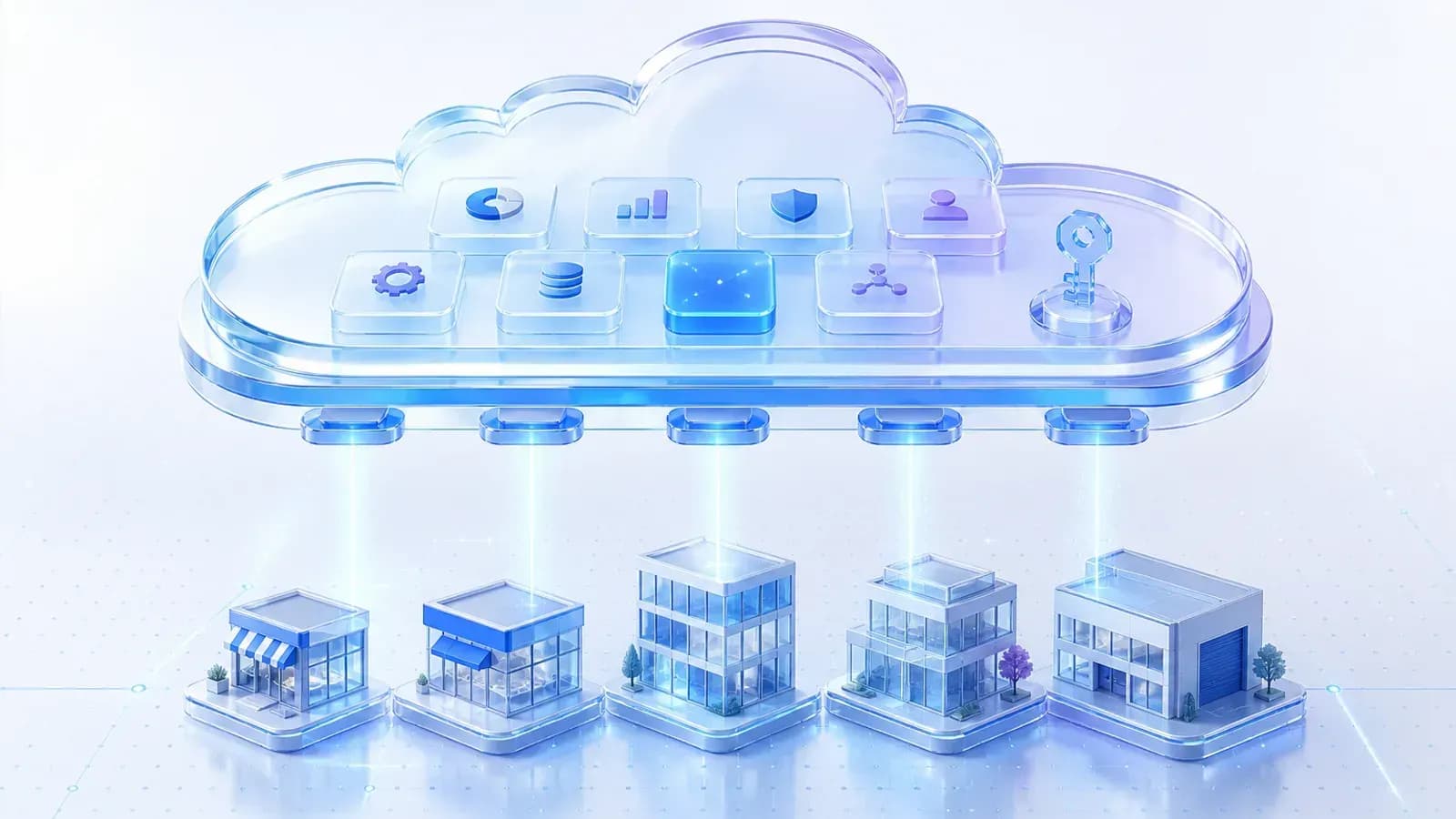
Fifteen years ago, putting a management system into a company meant a project: negotiate with a vendor, buy a server, schedule an on-site installation, book several rounds of training. Months of work and a serious cheque before anyone entered a single record. Today the same job increasingly looks like this: create an account, add a payment method, and the whole team is using it by the afternoon.
That second model is SaaS. The word appears in almost every software decision now, but many managers still translate it loosely as 'software in a browser'. It deserves a more precise understanding, because what changed is not just how you access software — it is your entire relationship with it.
From digging a well to tap water
SaaS stands for software as a service. In plain terms: you no longer buy software outright and install it on your own machines. It runs on the vendor's infrastructure, you reach it over the internet, and you pay a monthly or yearly subscription.
The water analogy holds up well. Traditional bought-and-installed software is digging your own well: a large one-off investment, and the well is yours — but you fix the pump, watch the water quality, and dig again when you need more capacity. SaaS is tap water: pay for what you use, while the utility handles the source, the pipes and the repairs. Ownership becomes access, and the maintenance burden moves from you to the vendor.
That transfer is the key to every advantage and every drawback that follows.
Why the economics work for small companies
Low cost of entry. Bought software front-loads servers, licences and implementation fees. SaaS spreads that into a subscription: try it for a month, walk away if it disappoints. The cost of a wrong decision drops by an order of magnitude, which is decisive for a company on a tight budget.
No operations burden. Most small businesses have no full-time IT staff. With installed software, every incident means waiting for the vendor or an outsourcer to show up. With SaaS, the servers, backups and security patches all live on the vendor's side — nobody on your team needs to understand servers.
Always current. An installed system tends to stay the way it was on day one; upgrading usually means paying for another implementation project. SaaS features ship continuously, to every customer at once.
Elastic seats. Add ten accounts for the busy season and drop them afterwards; if a business line gets cut, cancel at the next renewal. For companies whose headcount and workload swing, that flexibility is worth real money.
The other side of the coin
You never stop paying. There is no 'paid off' date — use it ten years, pay ten years. One year looks cheap; over five or eight, the total may exceed a buyout. Before judging, though, add your own maintenance labour and hardware depreciation to the buyout side of the ledger.
Your data lives with the vendor. Customers, orders and contracts sit in someone else's system, which means entrusting part of your business lifeline to an outside company: its security standards and its survival both become your risk exposure.
Deep customisation is off the table. A SaaS product serves hundreds or thousands of customers with one codebase; it will not rewrite its workflow for yours. Personalisation happens within whatever configuration options exist — and where they end, they end.
Three hard tests for any SaaS product
Every demo looks good. What actually separates products is less visible:
- Can you export your data — completely? Not a spreadsheet of names, but customers, orders, files and history as a usable set. This decides whether leaving the product someday is a move or an escape.
- Is there an open API? A product that other systems can read from and write to can join your wider workflow; one that cannot is an island, and the longer you use it, the higher the walls get.
- What does quitting cost? How long is data retained after cancellation, can you still export it, and does the contract put obstacles in the way of migration? Ask before signing; negotiating after a problem rarely works.
Standard processes on SaaS, differentiation elsewhere
Back to the question in the title: why are small businesses moving to SaaS? Because for standard processes — attendance, expenses, inventory, basic customer records — mature products are already cheaper, steadier and less demanding than anything you could build and run yourself. There is no reason to reinvent the wheel there. To keep your toolkit from sprawling as you adopt more of these products, the four principles in Tool Selection for a Ten-Person Team are a good reference.
The part genuinely worth deliberation is whatever makes you different — your pricing method, your way of delivering. When standard products cannot hold those, custom development enters the conversation. When to buy and when to build is the subject of Custom Development or SaaS? A Decision Checklist.